01
Just a folder and a password
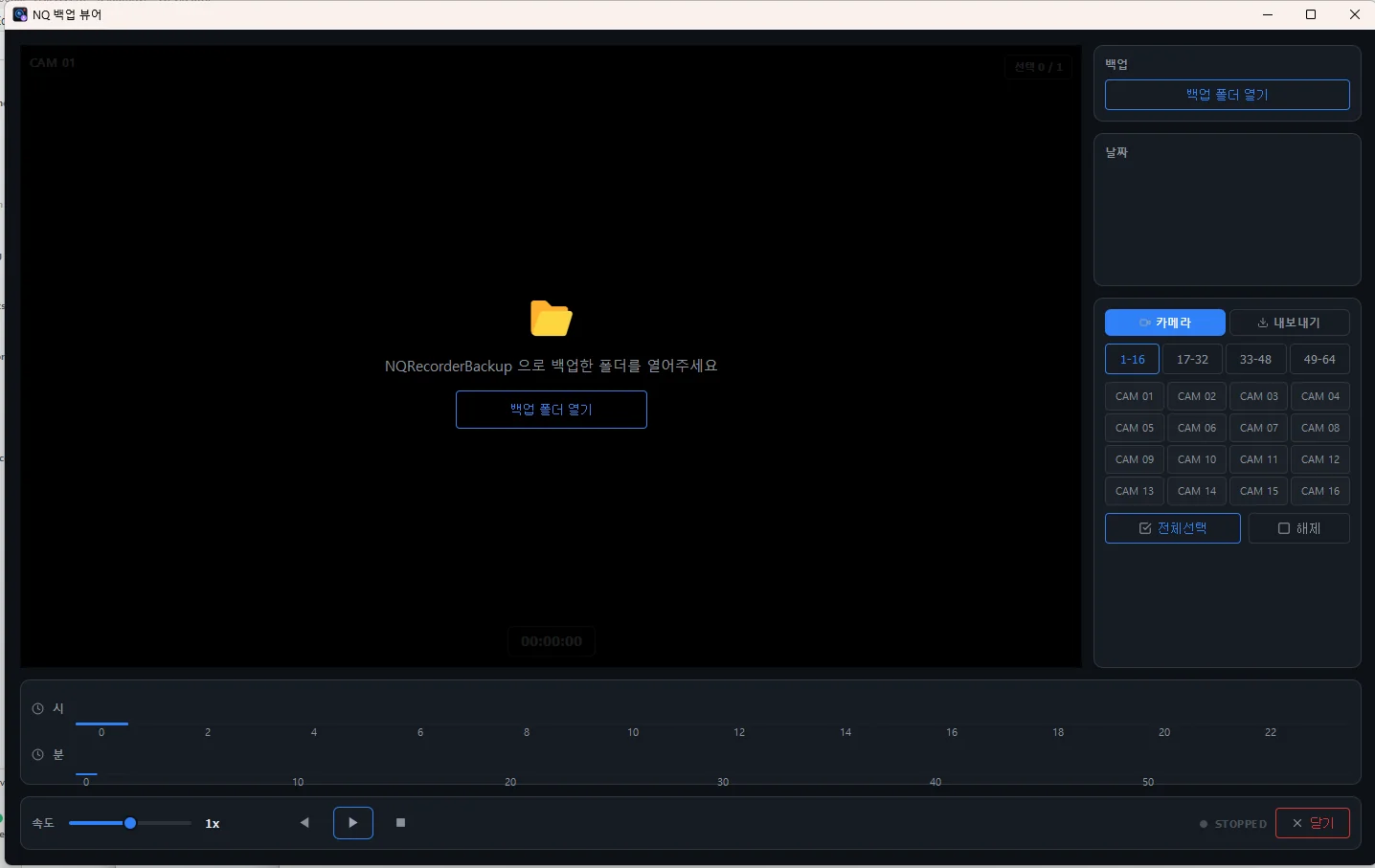
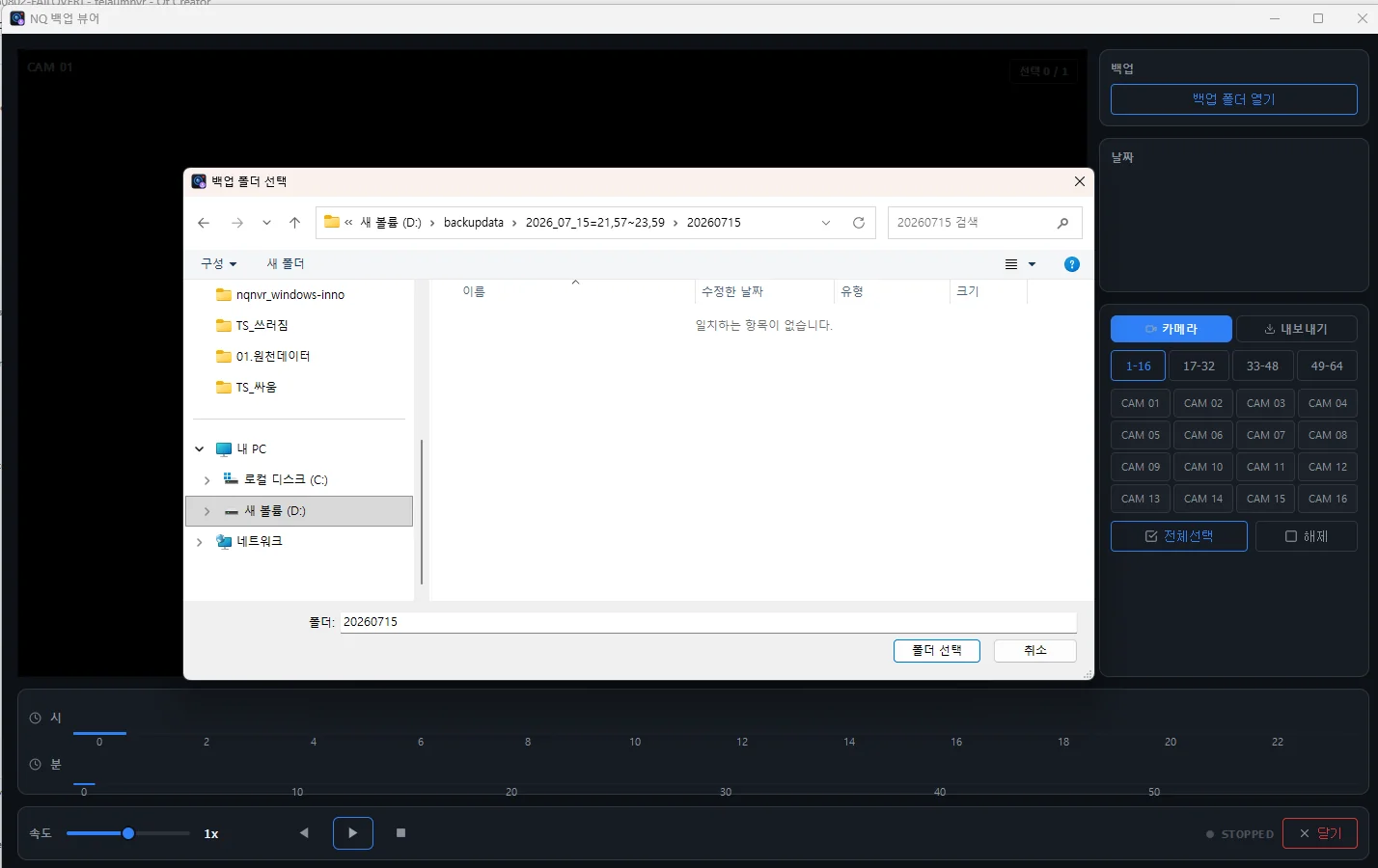
Open the backup folder and enter the password set at backup time. No NVR, no database.
NQBackupViewer

NQBackupViewer
Backup playback viewer
Plays encrypted backups on any Windows PC without an NVR, with just the folder and the password.
Highlights
Open the backup folder and enter the password set at backup time. No NVR, no database.
Pick a date and camera and play from the hour/minute timeline. Fisheye video can be dewarped.
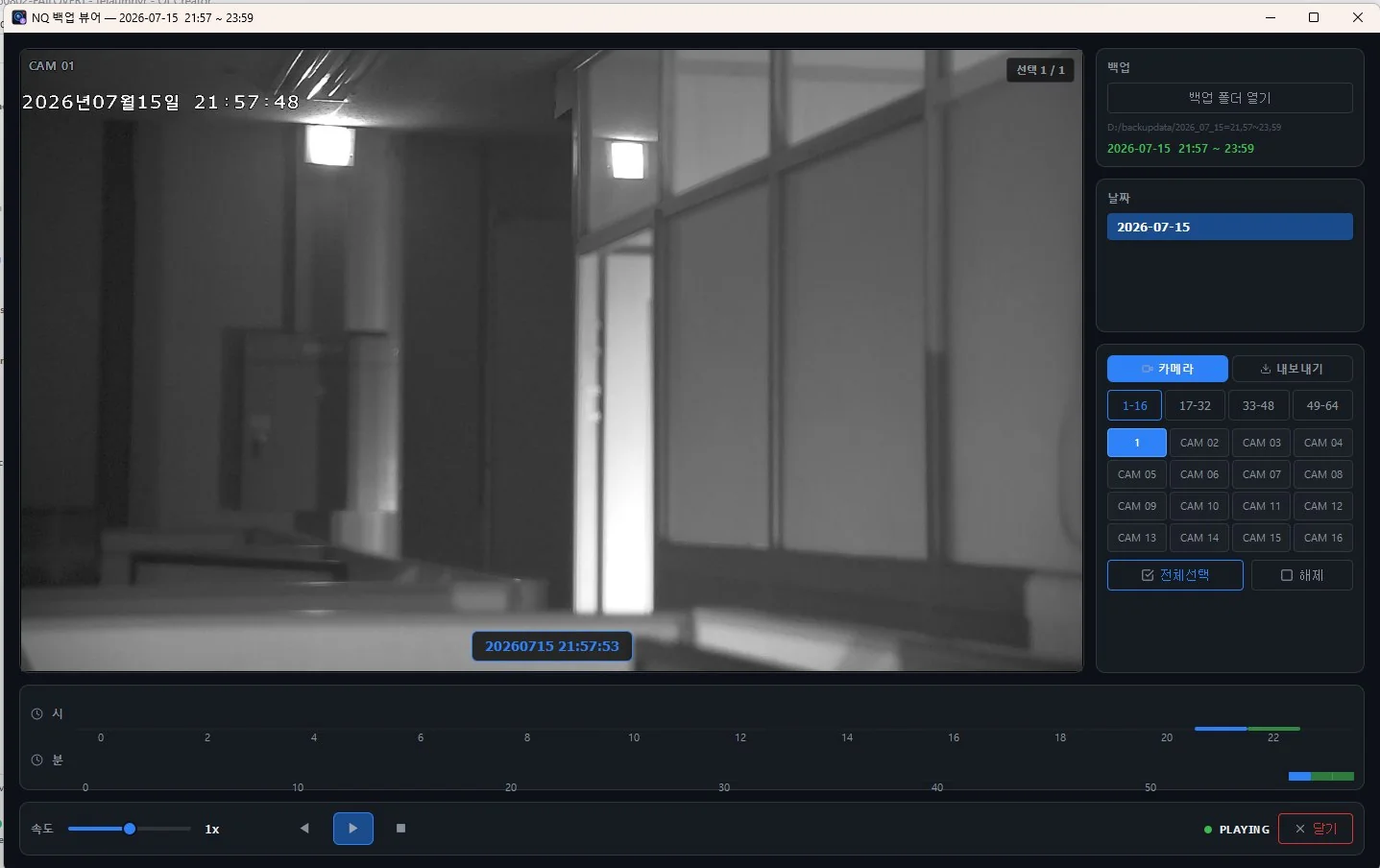
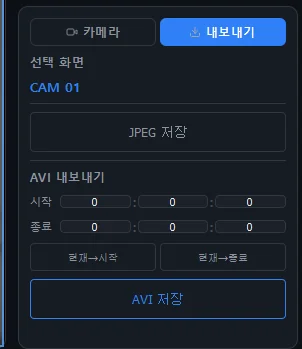
Save the current frame as JPEG or a range as AVI.
Features
Screens
NQBackupViewer runs stand-alone with no database or NVR software. It plays NQNVR and NQAutoBackup backups on a per-date, per-camera timeline and exports JPEG and AVI. Backups open only with a key derived from the password, so a leaked folder reveals nothing.
| General | |
|---|---|
| OS | Windows 10 / 11 (64-bit) |
| Input | NQNVR or NQAutoBackup folder + password |
| Playback | Date · camera · hour/minute timeline, speed control |
| Fisheye (360°) | Dewarp in single-channel view |
| Export | JPEG · AVI |
Documents
User manuals and integration documents are sent on request.
support@tovitech.com