01
Monitors become a video wall
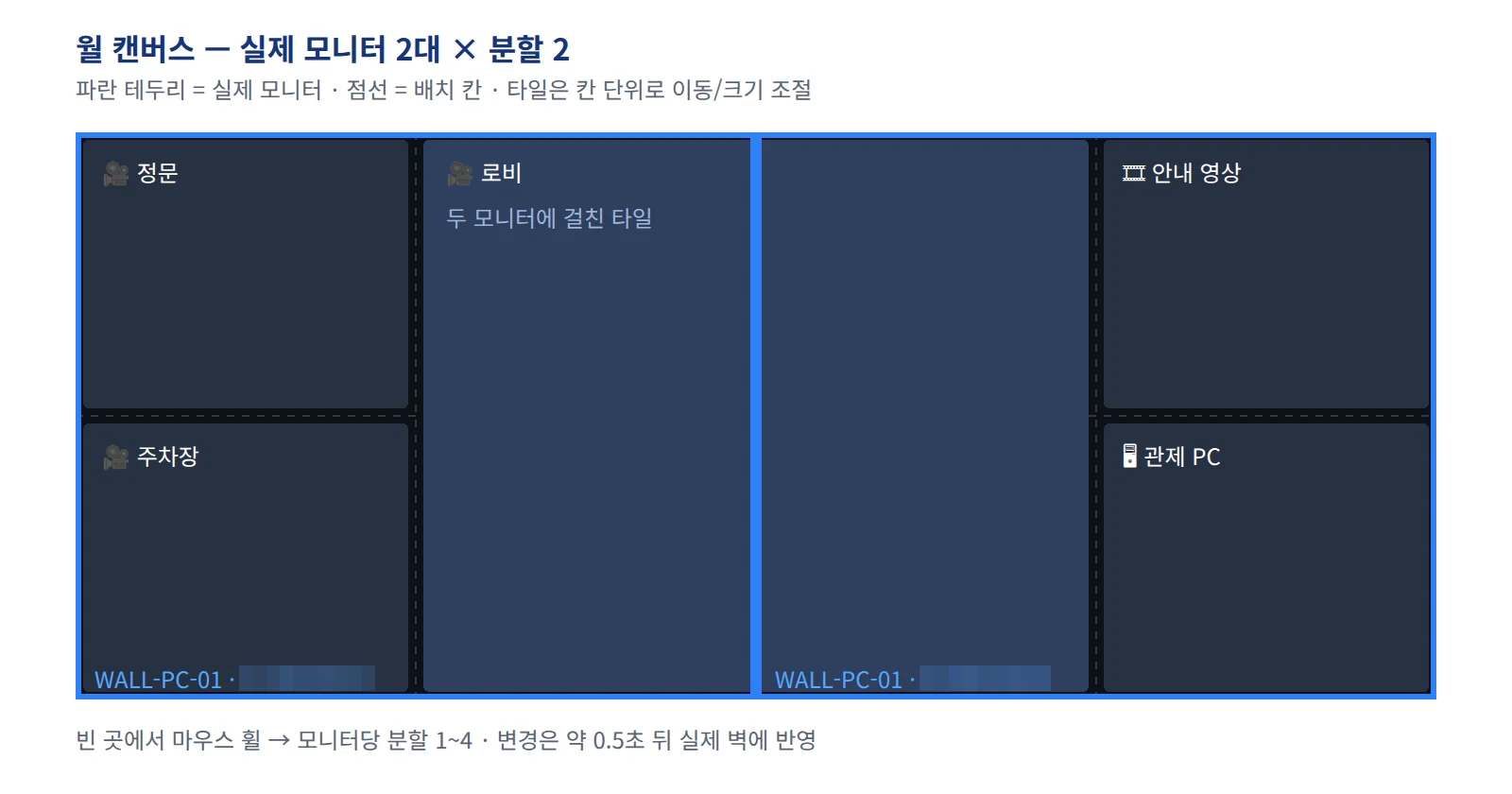
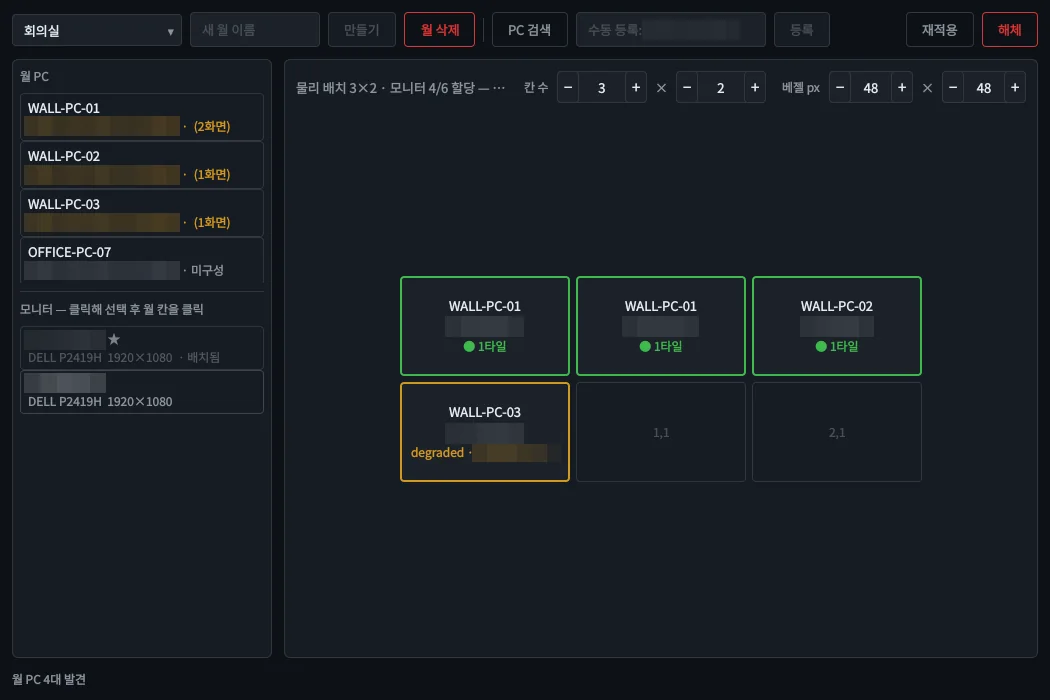
Shows the cameras, PC screens, images and videos laid out in NQVMS, with every screen drawing the same frame at the same moment.
NQAgent
NQAgent
Unified host agent
Install it once on a PC and one resident service handles video-wall output, remote PC control and health reporting to NQNMS.
Highlights
Shows the cameras, PC screens, images and videos laid out in NQVMS, with every screen drawing the same frame at the same moment.
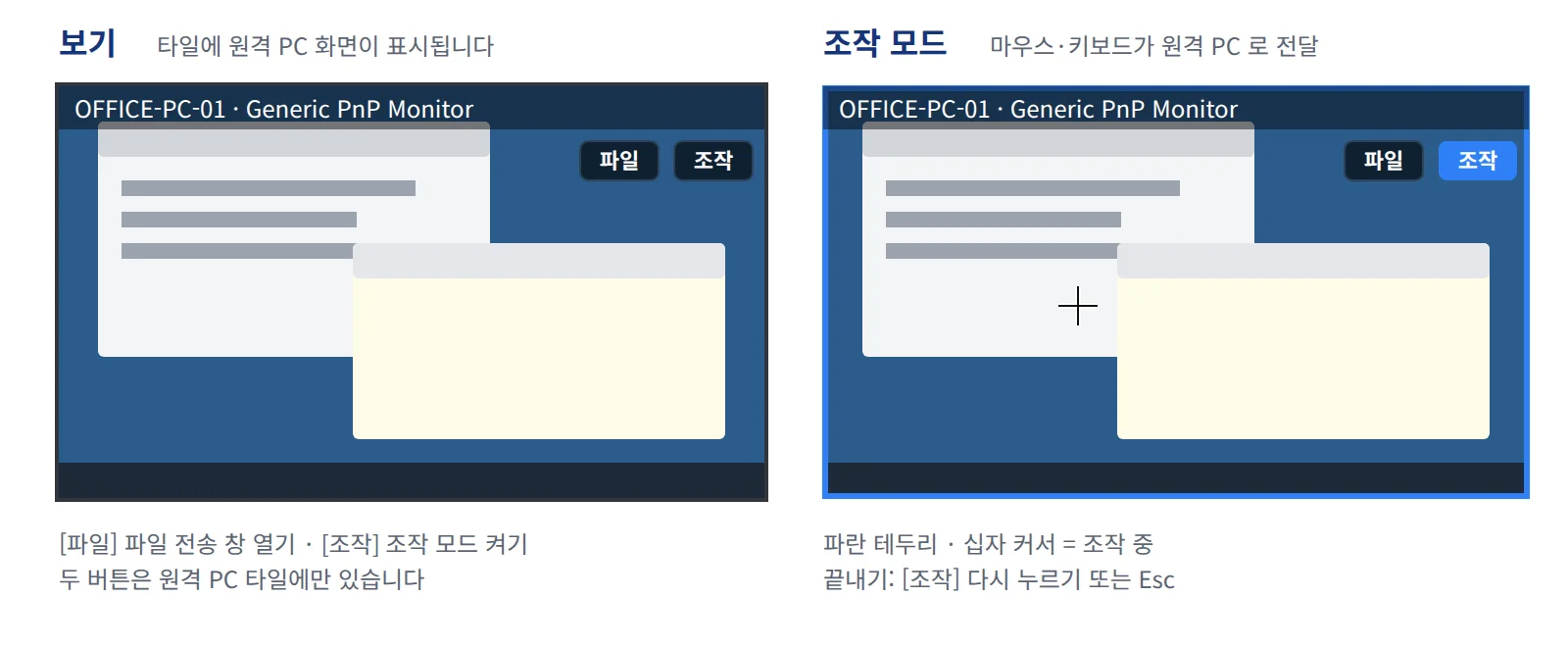
Even login and lock screens are visible, and mouse, keyboard and Korean input pass straight through. Only changed areas are sent.
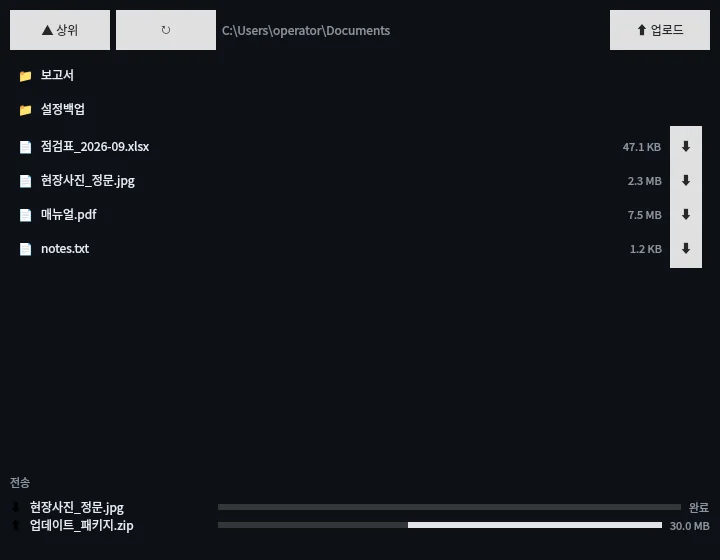
Browse the remote PC's folders to download and upload files; an interrupted transfer never leaves a half-written file behind.
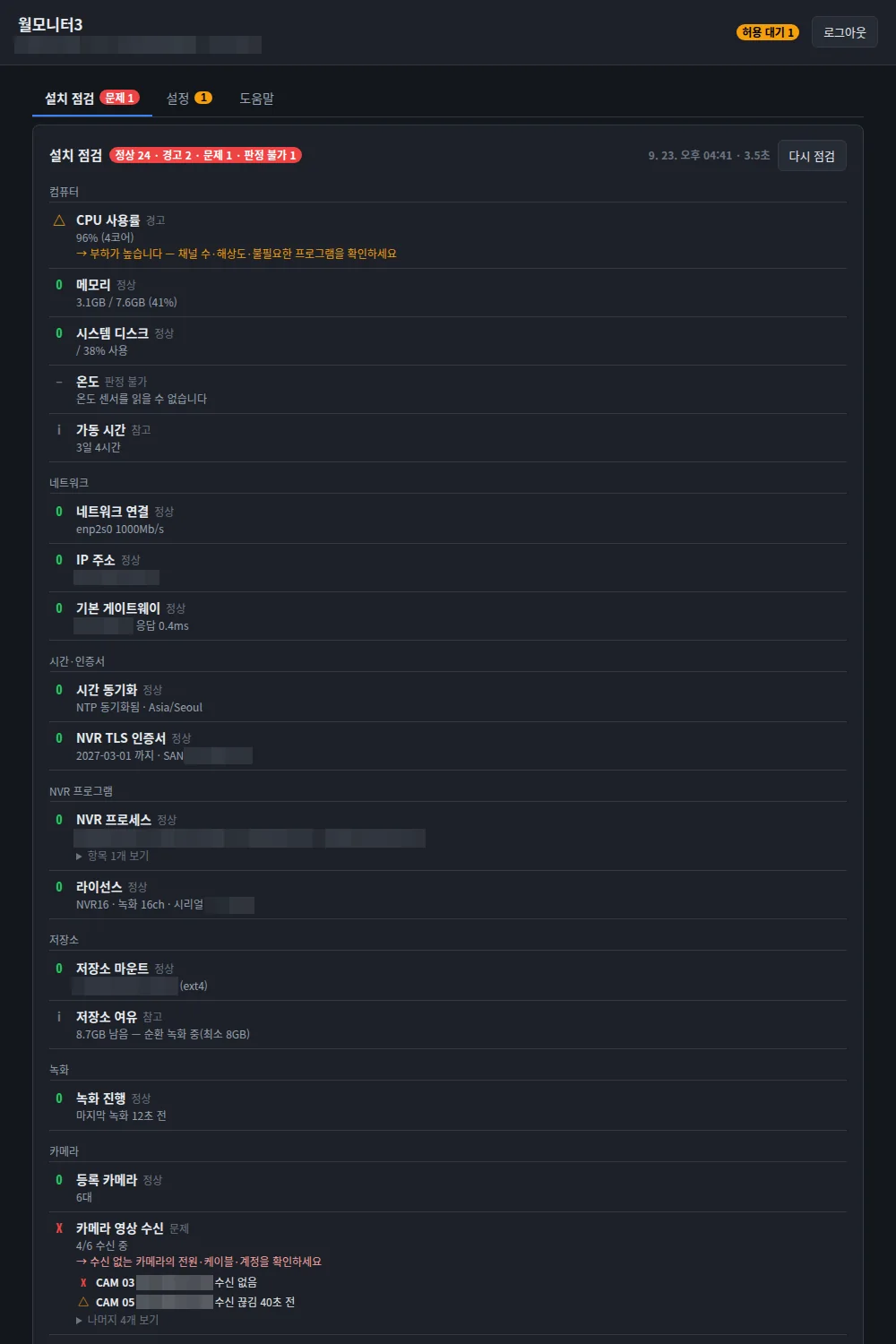
Checks network, time, storage, cameras and wall output as an O/△/X list and reports the same results to NQNMS.
Features
Screens
NQAgent runs as an OS service from boot, so it answers even before anyone logs in. NQVMS uses it to view and control the PC, transfer files and turn its monitors into video-wall screens for NVR video. NQNMS uses the same agent to collect host health and installation-check results.
Wall PCs must be on the NQNVR IP allow-list to receive video.
| General | |
|---|---|
| OS | Windows 10 / 11 · Ubuntu 22.04 / 24.04 (64-bit, Xorg session) |
| Form | OS service · installer / package |
| Wall PC graphics | OpenGL-capable GPU |
| Security | HTTPS · per-console tokens · pinned certificate · admin password |
| Integration | |
|---|---|
| NQVMS | Remote PC view, control, file transfer, video wall |
| NQControlRoom | Wall PCs and operator PCs |
| NQNMS | Health monitoring · install-check results (read-only) |
| Wall sources | NVR cameras · remote PC screens · images · videos |
Documents
User manuals and integration documents are sent on request.
support@tovitech.com