01
Every call, on every screen
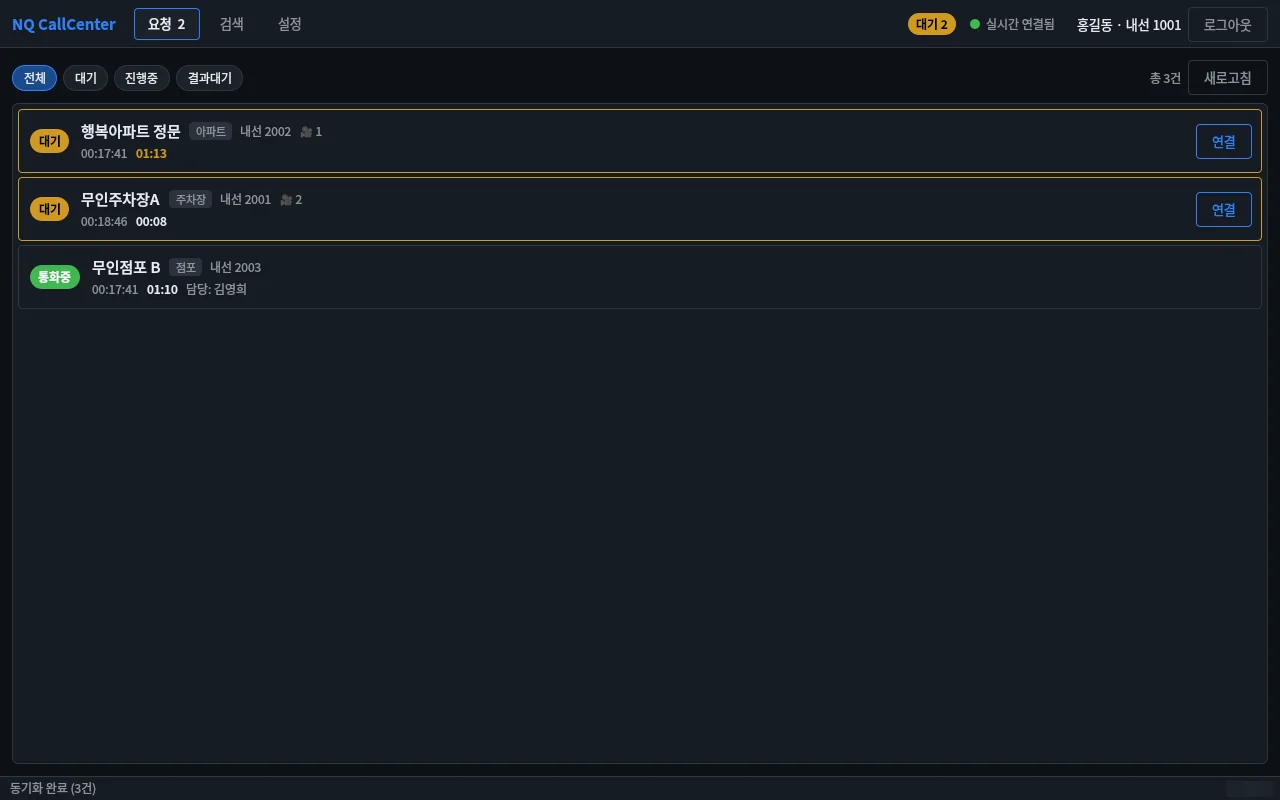
A button press at the site sounds an alert and shows the request on every operator's screen, along with who has taken it.
NQCallCenter
NQCallCenter
Emergency call and intercom console
A console that puts every emergency-bell and intercom call on all operators' screens and opens the call and site cameras with one Connect.
Highlights
A button press at the site sounds an alert and shows the request on every operator's screen, along with who has taken it.
Press Connect and your phone rings, straight through to the site. Call status and elapsed time stay in the side panel.
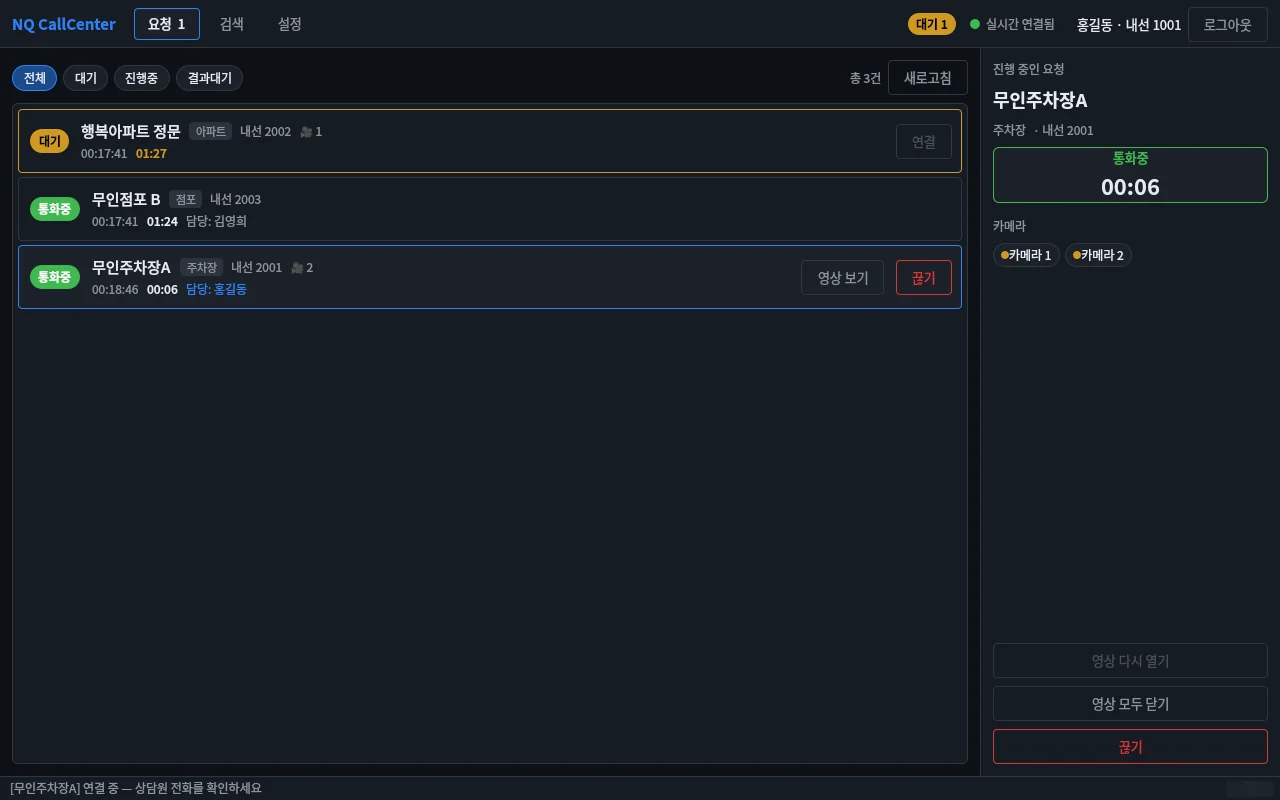
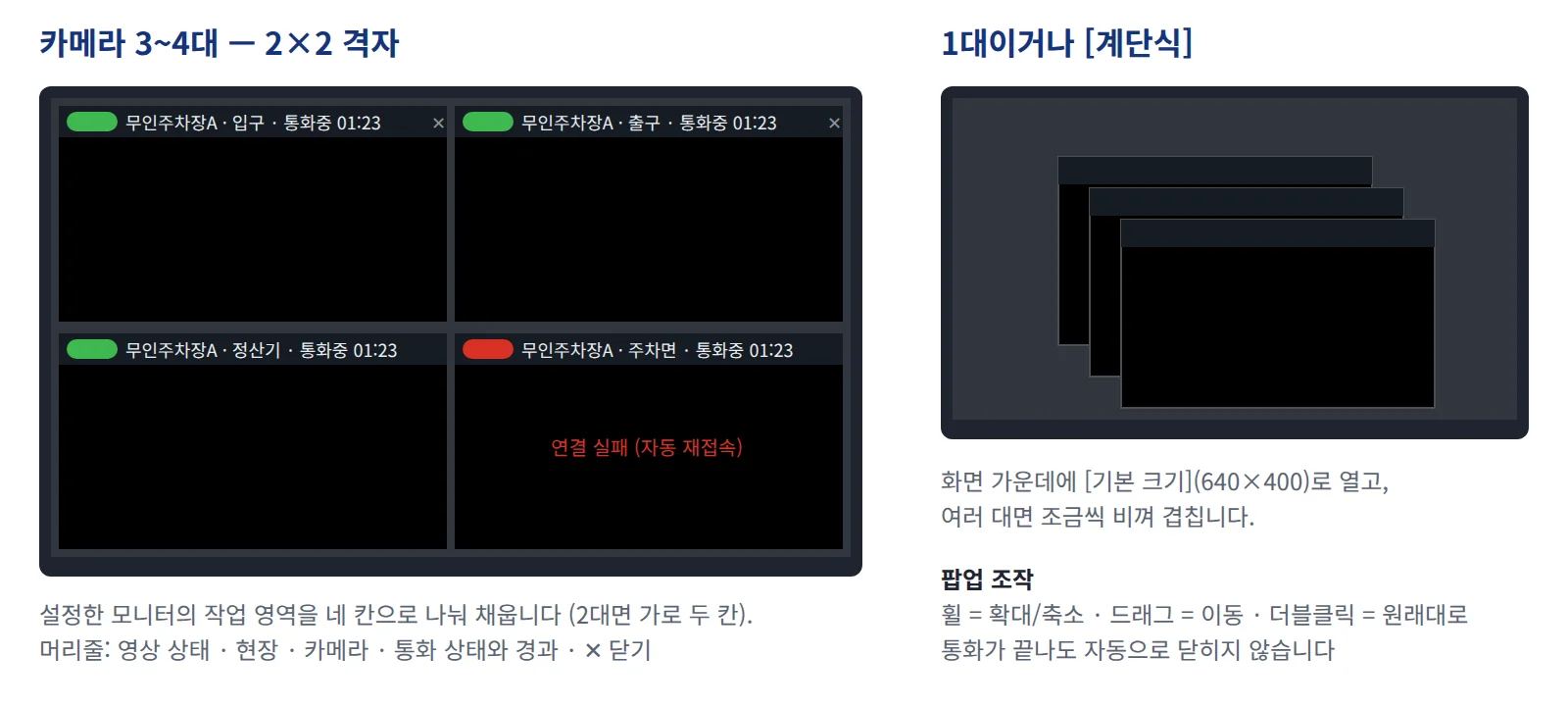
Once connected, up to four camera pop-ups for that call point open on their own, ready to zoom and pan.
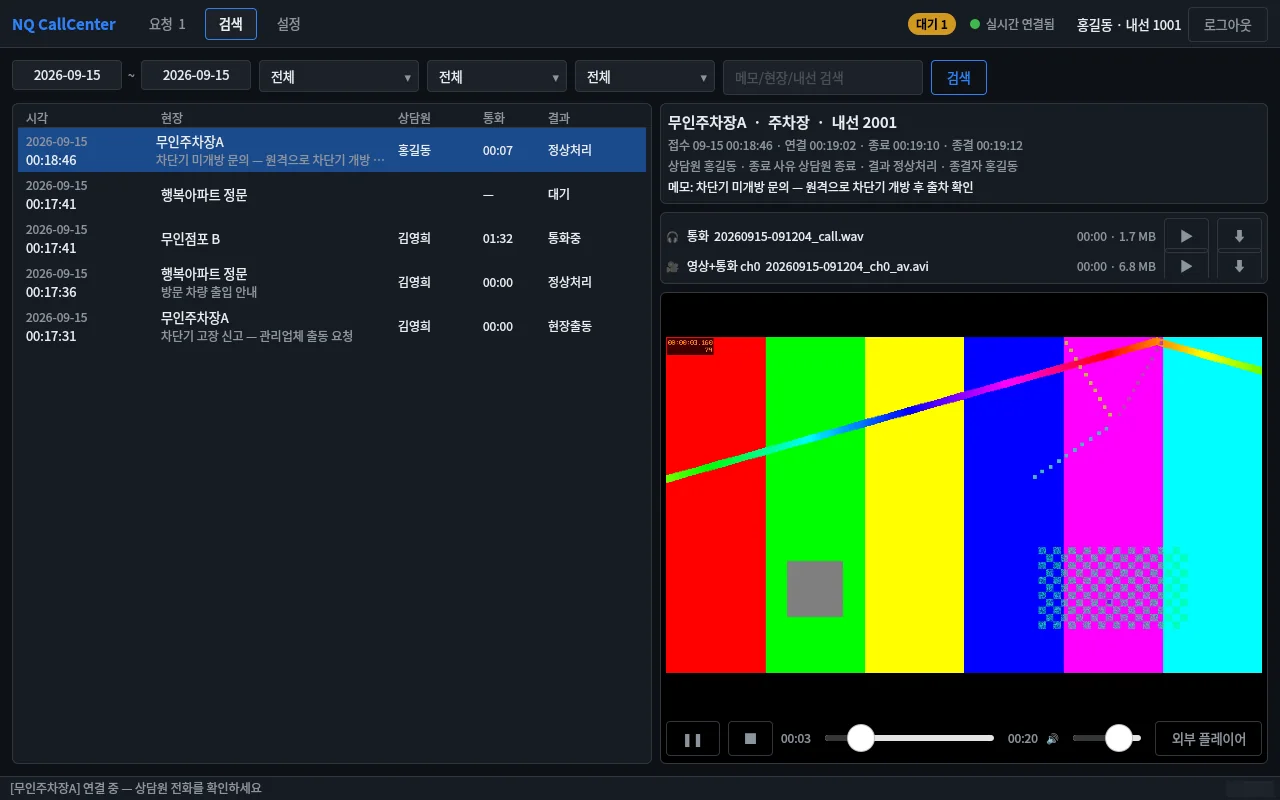
Find past requests by period, call point, operator or outcome, and play call audio and site video on the spot.
Features
Screens
When a call button is pressed at a car park, apartment or shop, the request appears instantly on every operator console, along with who has taken it. Pressing Connect rings the operator's own phone to talk to the site while the linked cameras pop up on screen. After the call the outcome is recorded, and past requests can be searched together with call recordings and site video.
A separate call-control server is required; voice calls are handled by each operator's softphone or IP phone.
| General | |
|---|---|
| OS | Windows 10 / 11 · Ubuntu 24.04 (64-bit) |
| Users | Operator · administrator |
| Requires | Call-control server (separate) · SIP softphone or IP phone per operator |
| Functions | |
|---|---|
| Requests | Real-time sync · connect · hang up · close |
| Site video | NQNVR live pop-ups (up to 4) |
| Search | Period, call point, operator, outcome, keyword; playback and download |
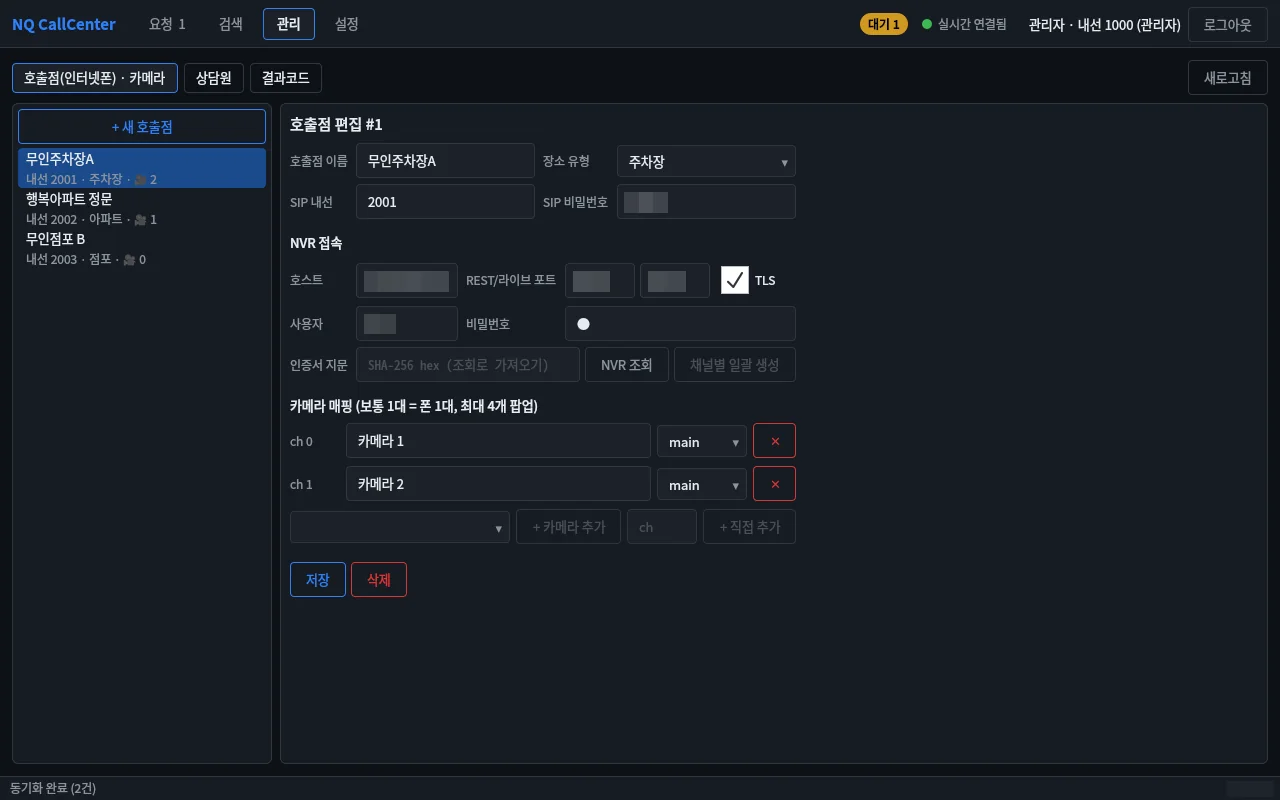
| Admin | Call points, camera mapping, operators, outcome codes |
Documents
User manuals and integration documents are sent on request.
support@tovitech.com